
Photo Grid Maker: Effortless Photo Collages
The ultra-responsive creative collage workspace. Craft custom photo grids, blend multi-filter optics, add typography templates, dynamic creative elements.
Everything You Need For Better Grids
Create flexible image layouts without complicated design software.
Flexible Grid Layouts
Choose clean photo grid layouts that fit posts, portfolios, campaigns, and personal projects.
Multiple Image Uploads
Add several photos at once and keep your creative workflow moving without extra setup.
Custom Spacing
Control gaps, padding, and spacing to match your brand or visual style.
Adjustable Aspect Ratios
Prepare square, portrait, and landscape formats for different channels and needs.
Clean Image Exports
Create crisp finished layouts ready for publishing, sharing, or saving.
Fast Browser Workflow
Use a lightweight photo grid creator directly in your browser with no heavy software.
Create Your Grid In Three Steps
Upload Your Photos
Choose the images you want to include.
Choose Your Layout
Arrange your photos using a grid style that fits your project.
Export Your Design
Create your final image layout and save your result.
Layouts That Fit Your Vision
2-Column Grid
3-Column Grid
Masonry Style
Mixed Size Grid
Portrait Layout
Landscape Layout
Made For Simple Creative Work
Fast Workflow
Move from images to finished grid without busy steps.
Clean Interface
Work in a focused space made for quick creative choices.
Flexible Layouts
Create photo grids for different formats and projects.
Easy Results
Get polished image grids that are ready to use.
Made For More Than Photos
Social Media Posts
Photography Portfolios
Product Collections
Travel Memories
Marketing Campaigns
Personal Projects
More Control, Less Effort
Photogridify gives you useful controls for building clean photo collage layouts without slowing down your work.
What Creators Say
Photogridify helps me prepare clean layouts for posts without opening heavy design software.
Avery Miles
Content CreatorThe layout options make client previews look more polished, especially for quick portfolio updates.
Nora Lee
PhotographerIt is useful for campaign drafts when our team needs fast image grid creator output.
Jordan Reed
Marketing SpecialistDesigned With Your Workflow In Mind
Easy To Use
Clear controls for fast layout work.
Flexible Layouts
Useful formats for many projects.
Fast Workflow
Create photo grids with less friction.
Creator Friendly
Made for daily visual tasks.
Helpful Guides From The Blog
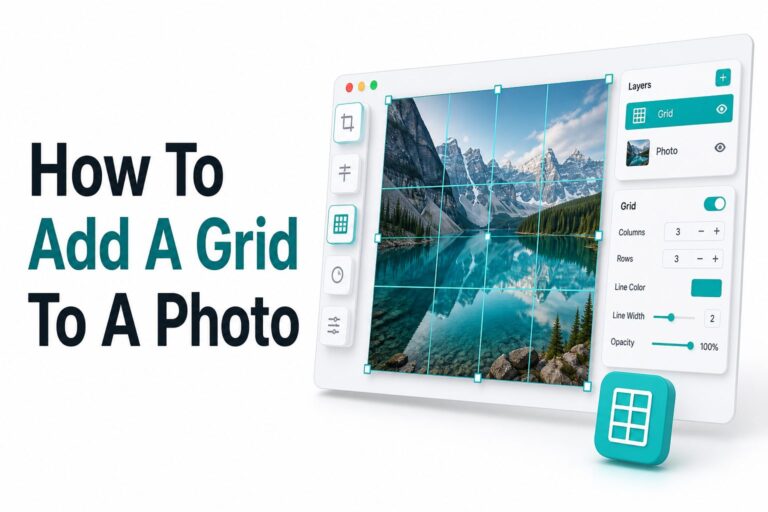
How to Add a Grid to a Photo: Easy Step-by-Step Guide
Adding a grid to an image is one of those small editing steps that can make a big...
Read More →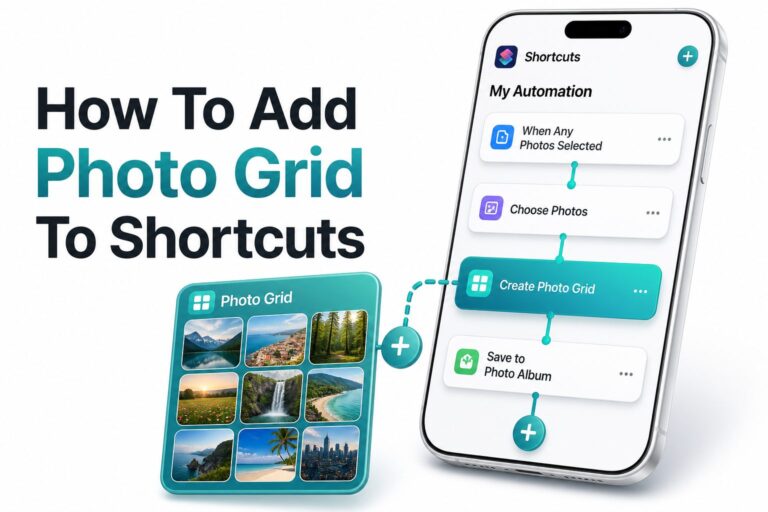
How to Add a Photo Grid to Shortcuts on iPhone
Making a clean collage on an iPhone should not require a separate design app every time. If you...
Read More →
How to Do a Photo Grid on Instagram Story: Easy Step-by-Step Guide
Learning how to do photo grid on Instagram story is one of the easiest ways to make your...
Read More →Frequently Asked Questions
Quick answers about Photogridify and creating photo grids.
A photo grid maker helps you combine multiple images into one organized layout for sharing, publishing, or saving.
Photogridify gives you a browser-based workflow for adding photos, choosing layouts, adjusting spacing, and creating a finished grid.
Yes. You can create photo grid layouts for square, portrait, landscape, masonry-style, and mixed-size designs.
Yes. Photogridify is built for working with multiple images in one layout.
Yes. You can adjust spacing to create tighter layouts, airy designs, or cleaner branded image grids.
Yes. Photogridify works well for social posts, campaign visuals, creator updates, and photo collage layouts.
Yes. It is suitable for memories, travel photos, family projects, mood boards, and everyday creative layouts.
Yes. The Free plan is designed for simple projects, with paid plans available for more advanced workflows.
Turn Your Photos Into Better Grids
Create polished layouts for social posts, portfolios, campaigns, memories, and everyday creative projects.